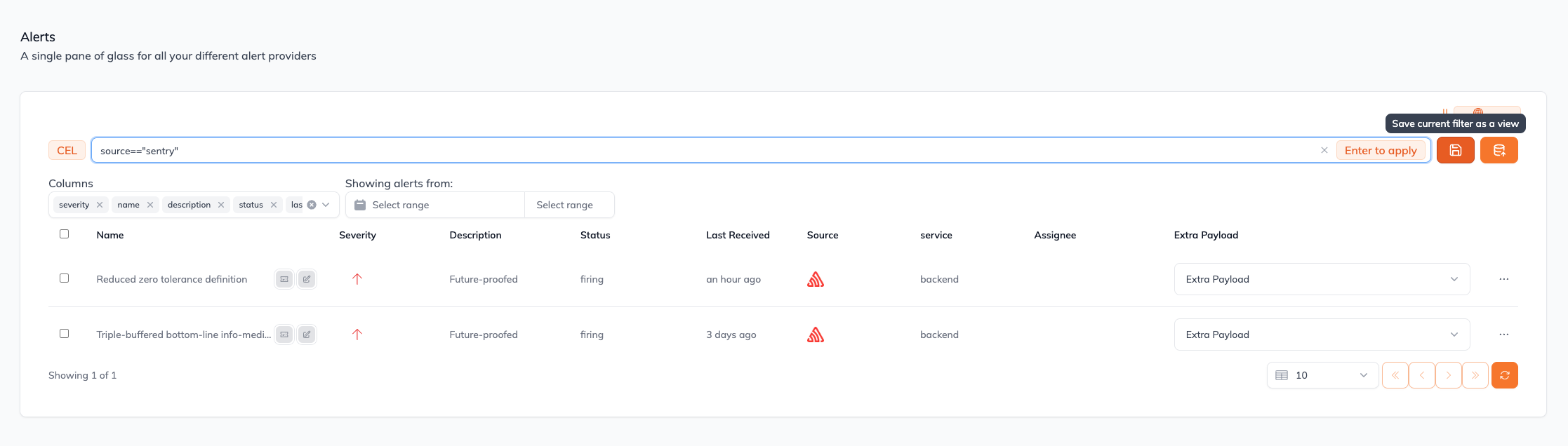
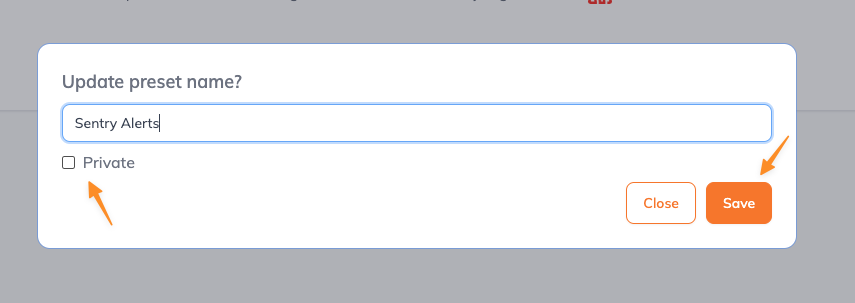
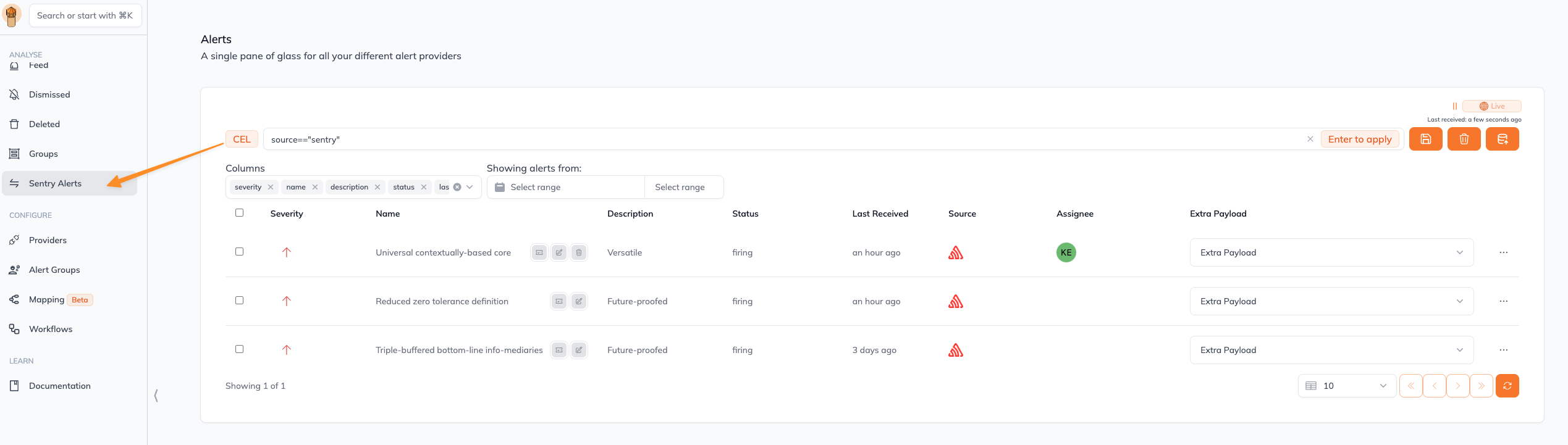
You can think of a preset like a “Slack Channel” for your alerts - a logical container to follow only alerts that matter for you.
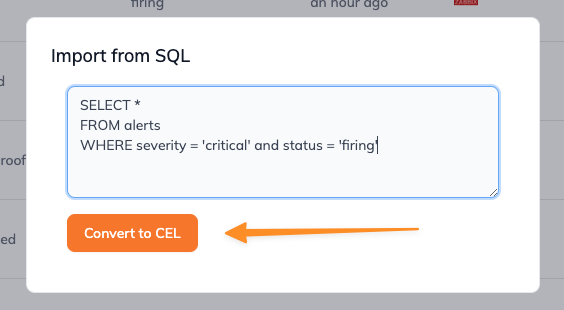
With Keep’s introduction of CEL (Common Expression Language) for alert filtering, users gain the flexibility to define more complex and precise alert filtering logic.This feature allows the creation of customizable filters using CEL expressions to refine alert visibility based on specific criteria.
Use the CEL Language Definition documentation to better understand the capabilities of the Common Expression Language
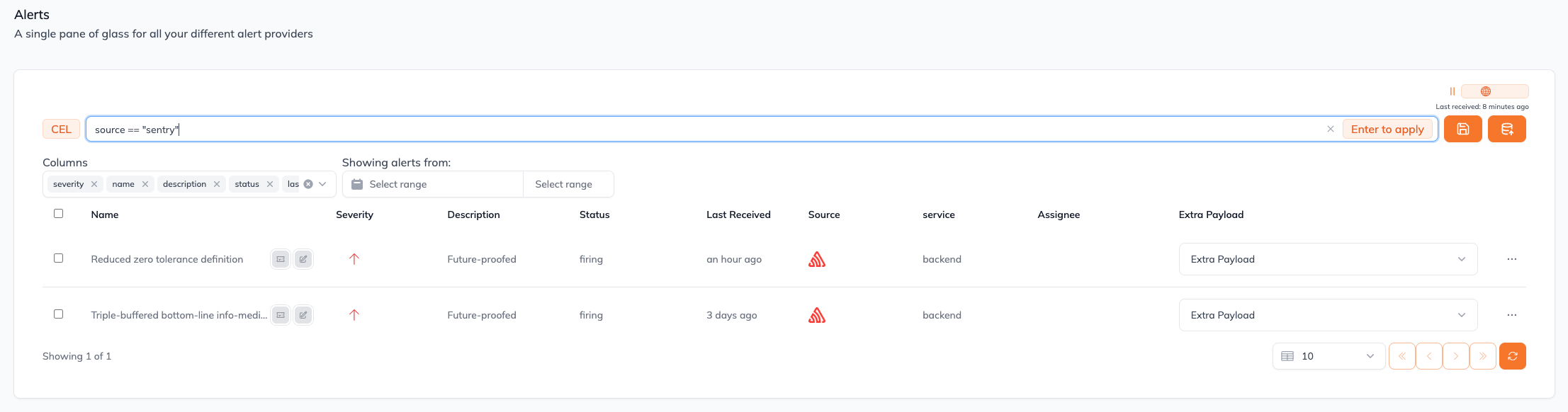
This is an example of how to query all the alerts that came from Sentry
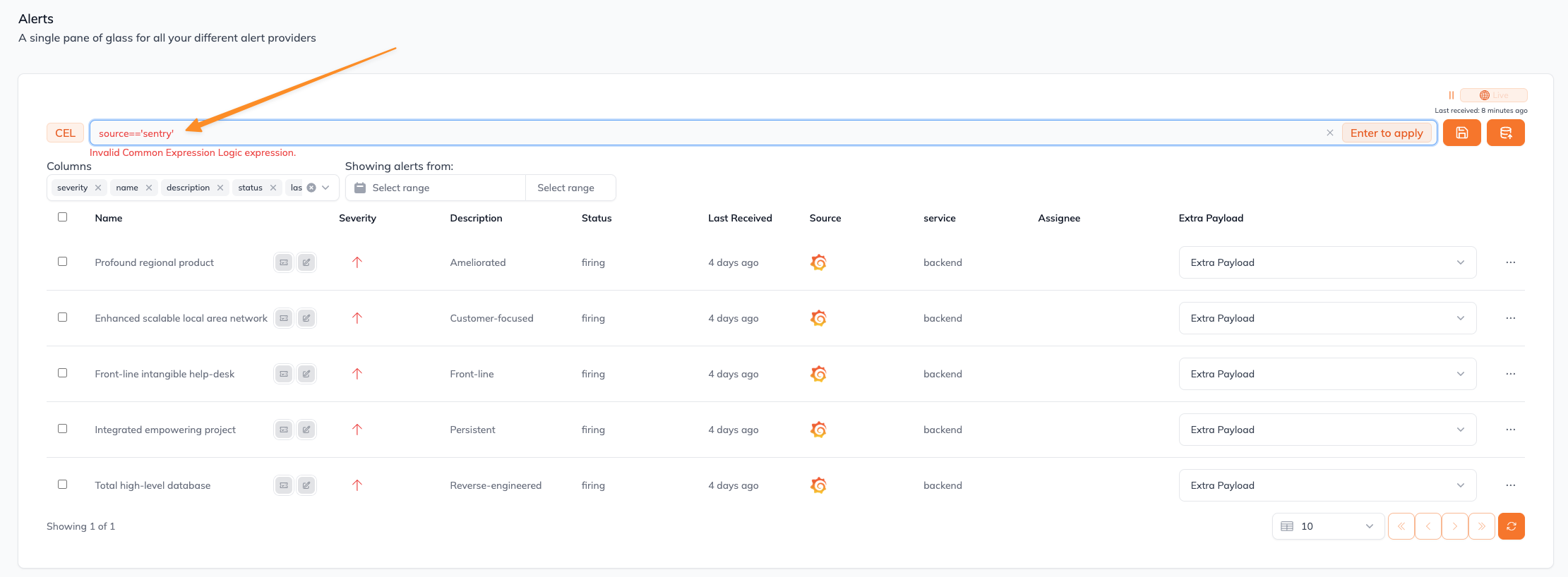
If the CEL syntax you typed in is invalid, an error message will show up (in this case, we used invalid '' instead of ""):
For instance, a user could create a CEL expression to filter alerts by severity and source, such as severity == 'critical' && service.contains('database'), ensuring only critical alerts from database services are displayed.